

Vista E
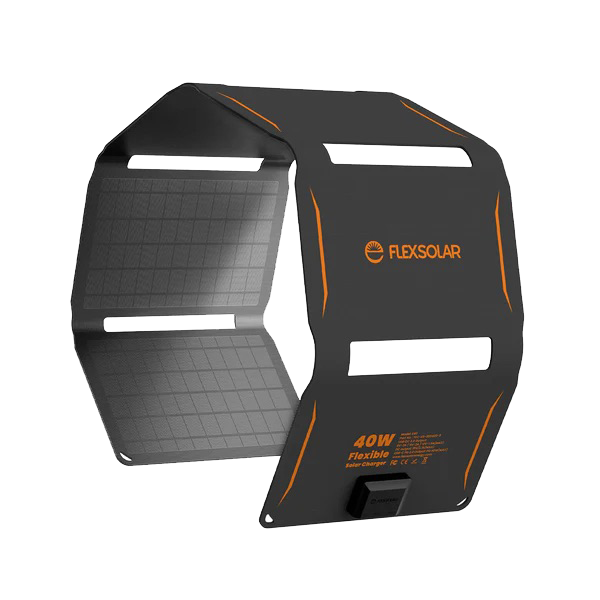
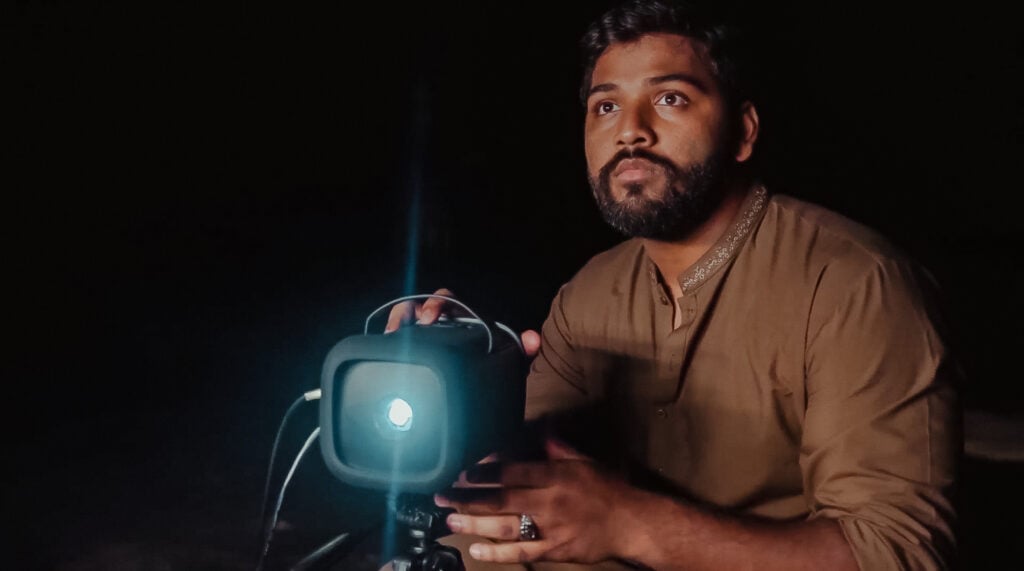
The Vista E has everything you need to do a Gospel film presentation. Built into a device small enough to fit in your hands is a speaker, projector, amp, and LightStream Wifi Hotspot. An optional solar panel allows the Vista E to charge in off-grid locations, and add-on speakers and microphones increase the audience size for up to 1200 viewers.
Order Vista E ProjectorShare the Good News anywhere in the world
From the most remote jungles to the highest mountaintops, the Vista E makes it possible for people to experience the love of Jesus, no matter where they are.
Pricing and configurations
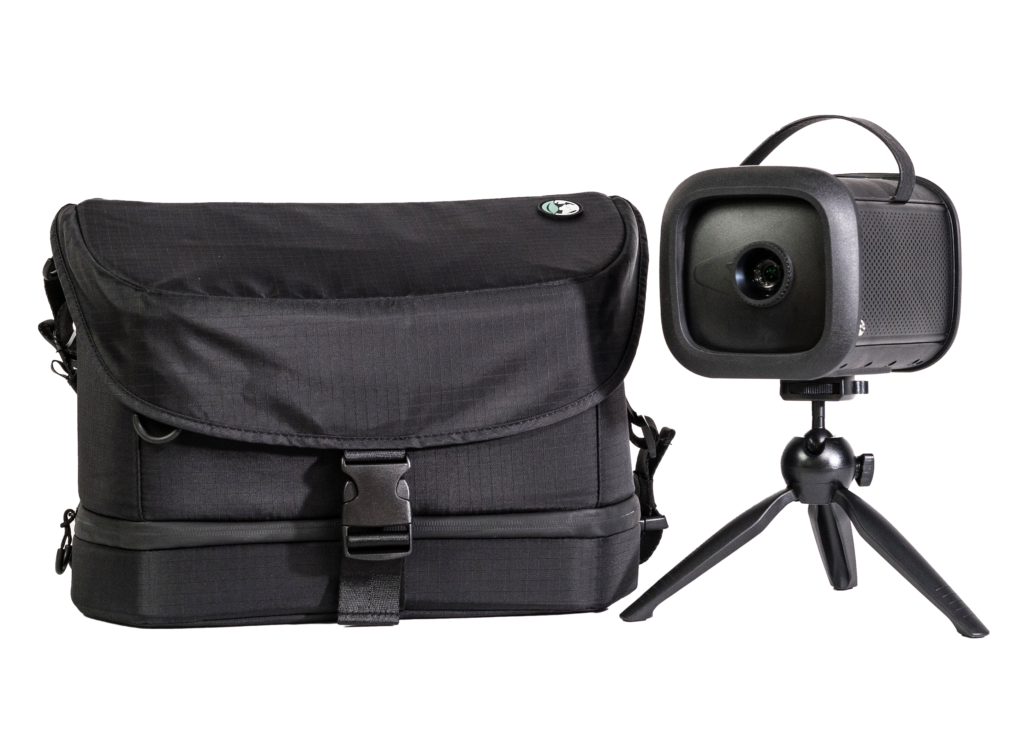
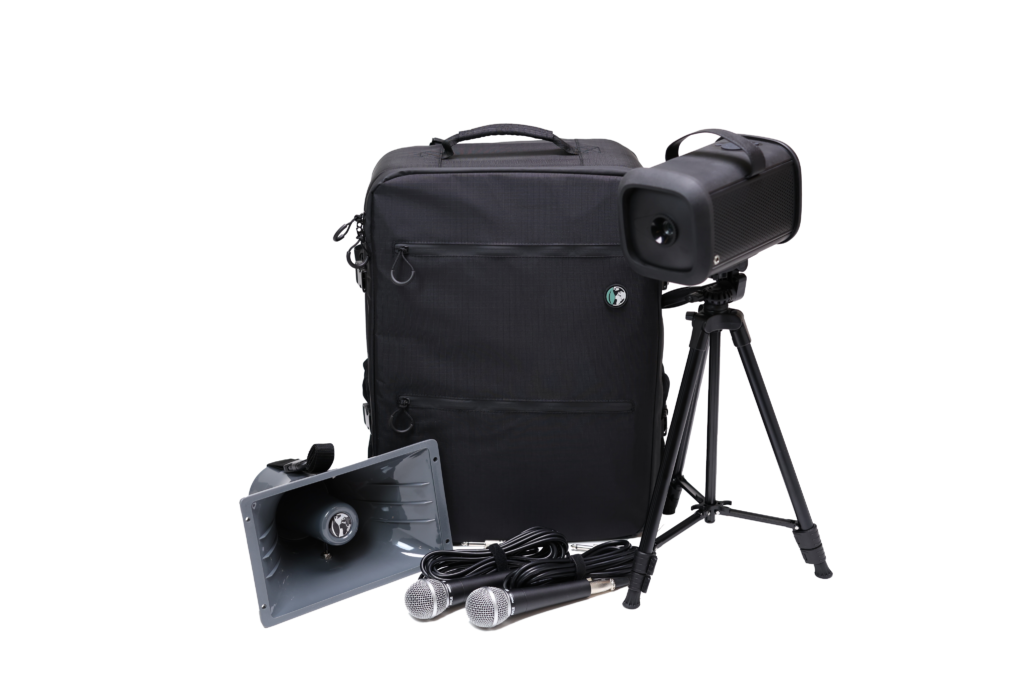
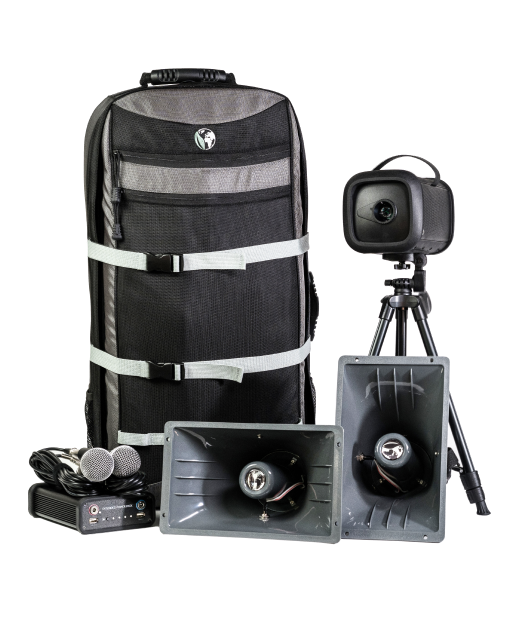
Compare Versions
Vista 300
Vista 600
Vista 1200
Starting Price
$1440
$1790
$2390
Viewers
300+
600+
1200+
Battery Life
3.5 hours
3.5 hours
8.5 hours
Weight
12 lbs
35 lbs
44 lbs
Carrier Type
Shoulder Bag
Backpack
Large Backpack
Optional Add-Ons
Solar & Screen
Solar & Screen
Solar & Screen
All-In-One Projector

Small Tripod
Large Tripod
2 Microphones
External Battery




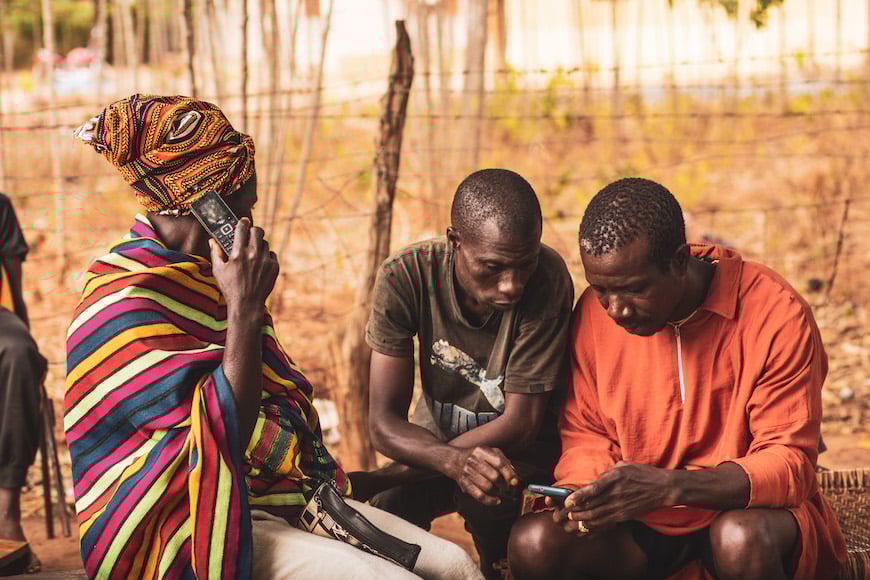
Vista E strategy

Vista E videos
FAQs
Why isn't my Vista E powering on?
- Check that your system is not low on battery. Connect it to a charger, and look for an orange charge light. Wait for it to charge for a few minutes and try to power it on again. It should now power on.
- If the option above does not fix the issue, please reach out to info@renewoutreach.org for further assistance.
Note: If the Vista E shows a blinking orange light and doesn’t power on even when connected to a charger, there may be a problem charging.
- Check that your system is not low on battery. Connect it to a charger, and look for an orange charge light. Wait for it to charge for a few minutes and try to power it on again. It should now power on.
How do I turn off my Vista E?
Locate and hold down the power button for up to 35 seconds or until projection shuts off.Can I charge my Vista E and play it at the same time?
Yes! Please note that this will increase the charging time of the E, and the device should be kept out of direct sunlight while charging.
Can I connect my Vista E projector to HDMI?
Yes, you can use an HDMI cable to connect your projector to another device.
How do I fast forward, rewind or pause a video?
To fast forward, you can press and hold the forward arrow while the video is paused or playing. To rewind, press and hold the backward arrow.
You can pause the video by pressing the OK button located in the middle of the keypad.
How do I change the microphone volume?
Press the volume button, then use the up and down arrows to select which microphone you want to adjust. Then, use the volume buttons or the left and right buttons to adjust the volume.
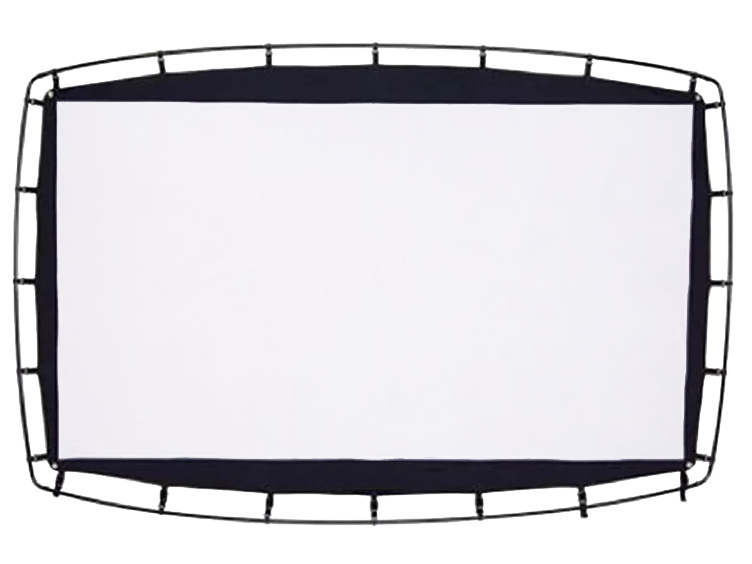
I’m struggling to assemble my screen - what's wrong?
The screen is meant to be a tight fit to keep it taught during film showings, so you will likely feel some resistance while assembling the frame. It is usually best for at least two people to work together to assemble the frame, and then hook the screen to the frame starting with the corners.
Manuals and downloads
Vista E 300
Vista E 600
Vista E 1200


Subscribe Stay up to date with Renew
Want to get the latest stories avbout what God is doing around the world?
Sign up below and join the community:
Adds contact email to our CRM.